You have multiple locations. You cannot be in all of them.
The way it usually goes
You opened your second location. Then your third. Each one has its own Google profile, its own reviews, its own manager, its own rhythm. You used to walk into your one location every morning and feel the operation. Now you can only feel one at a time.
You check each profile separately. Each Google tab opens a different rating, a different review feed, a different team. By the time you have reviewed the third location, you have forgotten what you saw in the first. You ask managers for updates over WhatsApp. They send you what they think you need to see. The rest stays in their locations.
By the quarterly review, one site has been quietly slipping for two months. You did not see it because you could not see all of them at once.
This is how most multi-location operators run their businesses. It is not a failure of leadership — it is the absence of a tool that consolidates every location, every manager, every review into one operational view.
How Pinn does it
Four steps between scattered locations and one operational view of your entire group.
- 01
Pinn ingests every location reviews into one data layer
When you connect your locations, Pinn ingests reviews from every Google profile into a unified data layer — while preserving the per-location attribution. Each review knows which site it belongs to.
[Multi-location ingestion flow]Independent location streams feeding a unified data layer. - [Multi-location dashboard]
Every site rating, review volume, and theme split — at a glance. 02The dashboard shows every location at a glance
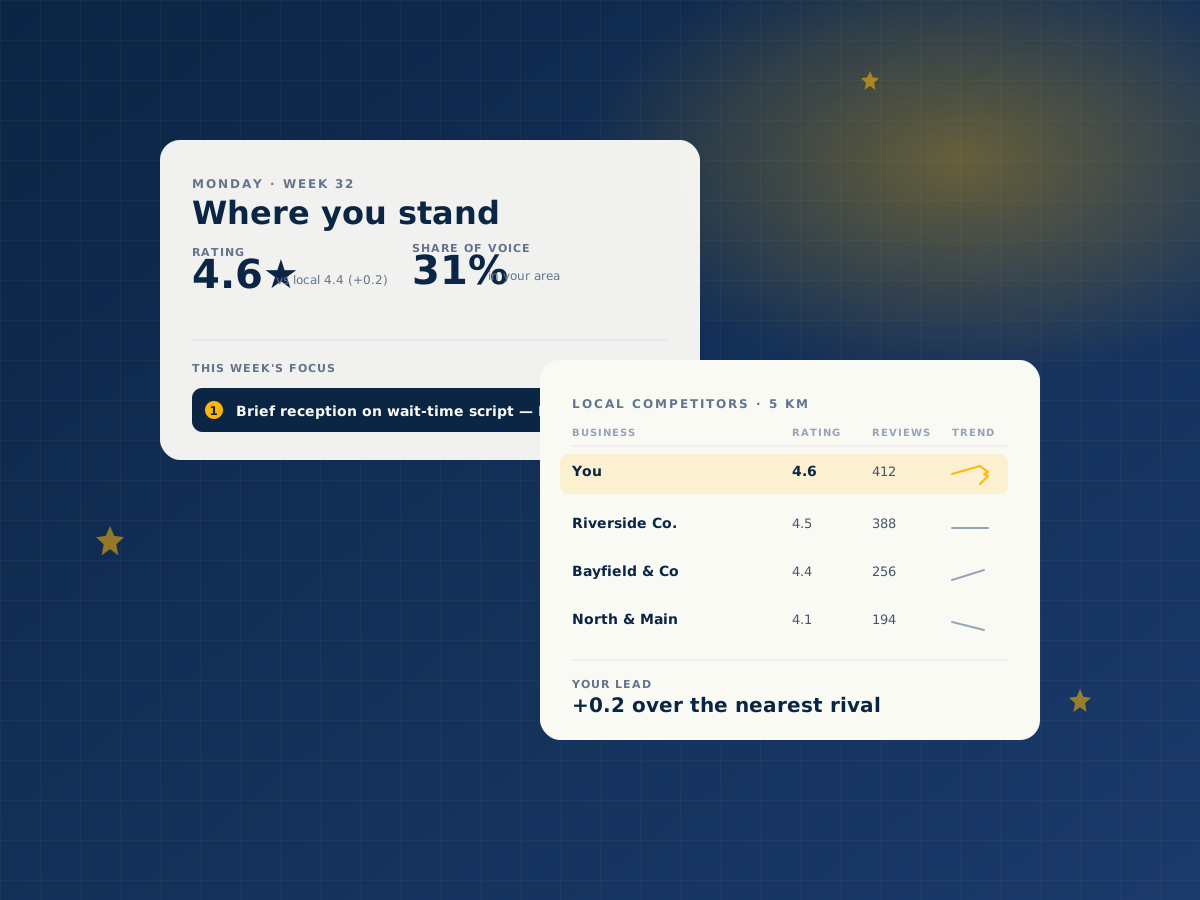
A single screen displays every location rating, review volume, theme distribution, and competitor position. You see which sites are performing, which are slipping, and which are climbing — without opening a single Google tab.
- 03
Manager response performance is surfaced for each site
Every location has a manager. Pinn tracks which manager is replying to reviews, how fast, and how thoroughly. You see delegation working — or not working — without asking for status updates.
[Manager accountability panel]Per-manager response rate, time, and quality across every site. - [Cross-location pattern view]
Themes shared across sites lifted from the noise. 04Cross-location patterns are identified before they spread
When the same theme starts slipping across multiple locations, Pinn surfaces it as a group-level signal. When one location is solving a theme others struggle with, that pattern surfaces too. The brief consolidates the group view with per-location detail.
What this looks like
The same Monday morning, read two different ways.
Without Pinn
You open Google. You scroll through reviews. You see fragments — a complaint, a compliment, another complaint. You make a guess about what is moving the needle. Monday team meeting talks about "improving reviews" generically. You will not know if the plan worked until next month.
With Pinn
You open your X-Ray. The drivers are ranked. The themes are named. The reviews behind each pattern are linked. Your Monday brief is already in your inbox with the specific action for the week.
Monday team meeting has a name, a number, a window, and a decision. The guess is gone.
This is what reading reviews actually looks like — not scanning, not guessing. Reading.